Talk to a few ordinary citizens, and most of them will tell you that dealing with any government agency is a nightmare. Getting a gas connection from public sector providers is however usually not very difficult, but provided you also get a gas stove from them.
However, if you choose that you do not need a gas stove, then the agencies try to make you run from pillar to post. When one makes that choice, it is not unusual to hear that he has not received his connection registration number even after a month and five visits to the agency! Therefore, I decided to try the online route.
Surprisingly, it turned out to be a reasonably smooth process, which is why I decided to share this step-wise guide for others too.
Step 1
You need to find the nearest agency, since the agency can choose to reject you if you are more than 5 km away from the same. I found the agency near me via Google Map “indane agency near me” or you can also use the Indane weblink, although it is slightly non-intuitive: https://indane.co.in/locate_distributor.php?bgstate=24@2191&bgadistrict=502
Step 2
Register on the portal for a new connection by choosing the Agency and feeding your details. Link: https://indane.co.in/new_connection.php
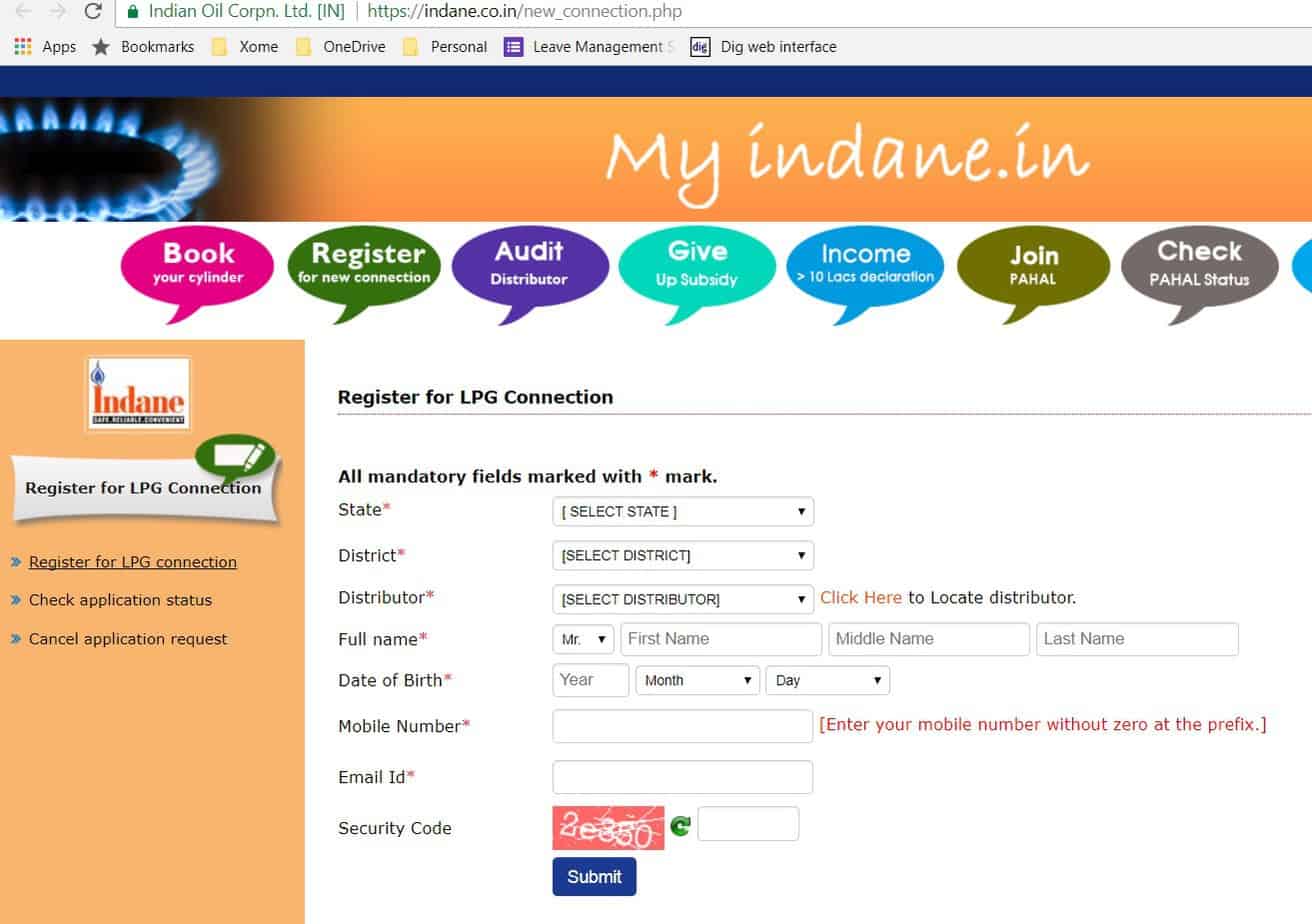
After successful submission you will get a page asking you to confirm your registration through a link sent to you on your email. This is valid for 48 hours.
Step 3
You will get a link to your Email, using which you can verify your email.
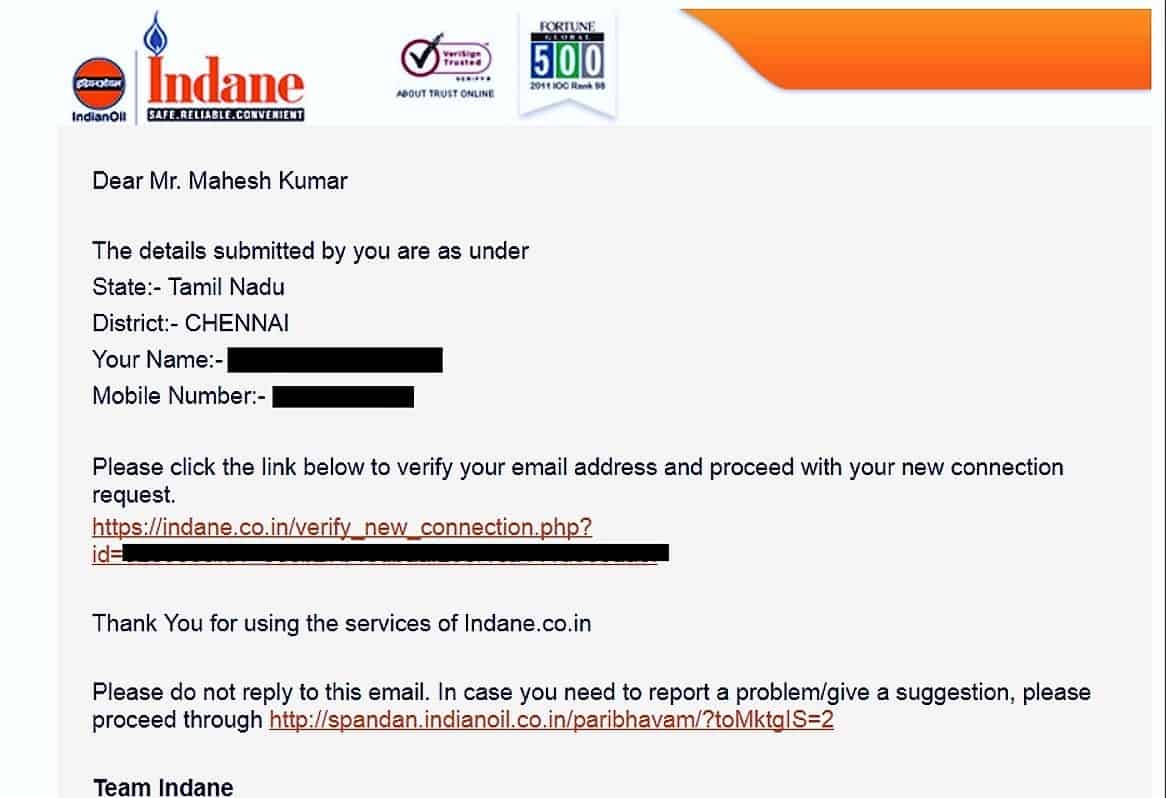
Step 4
Clicking the above link on your mail will take you to the page https://indane.co.in/applynewconnection.php , with a form which you need to fill.
You will need an identity proof and address proof. The list of accepted documents is provided in the form itself. One has to check the document that he has.
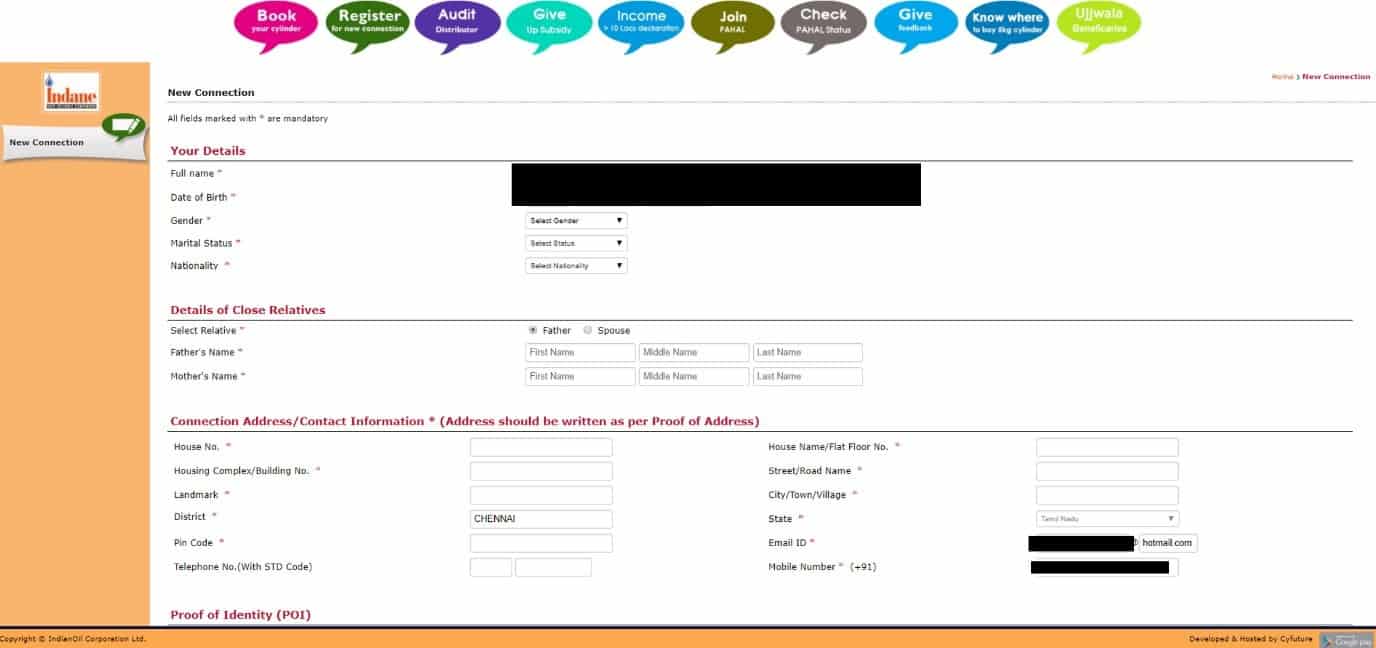
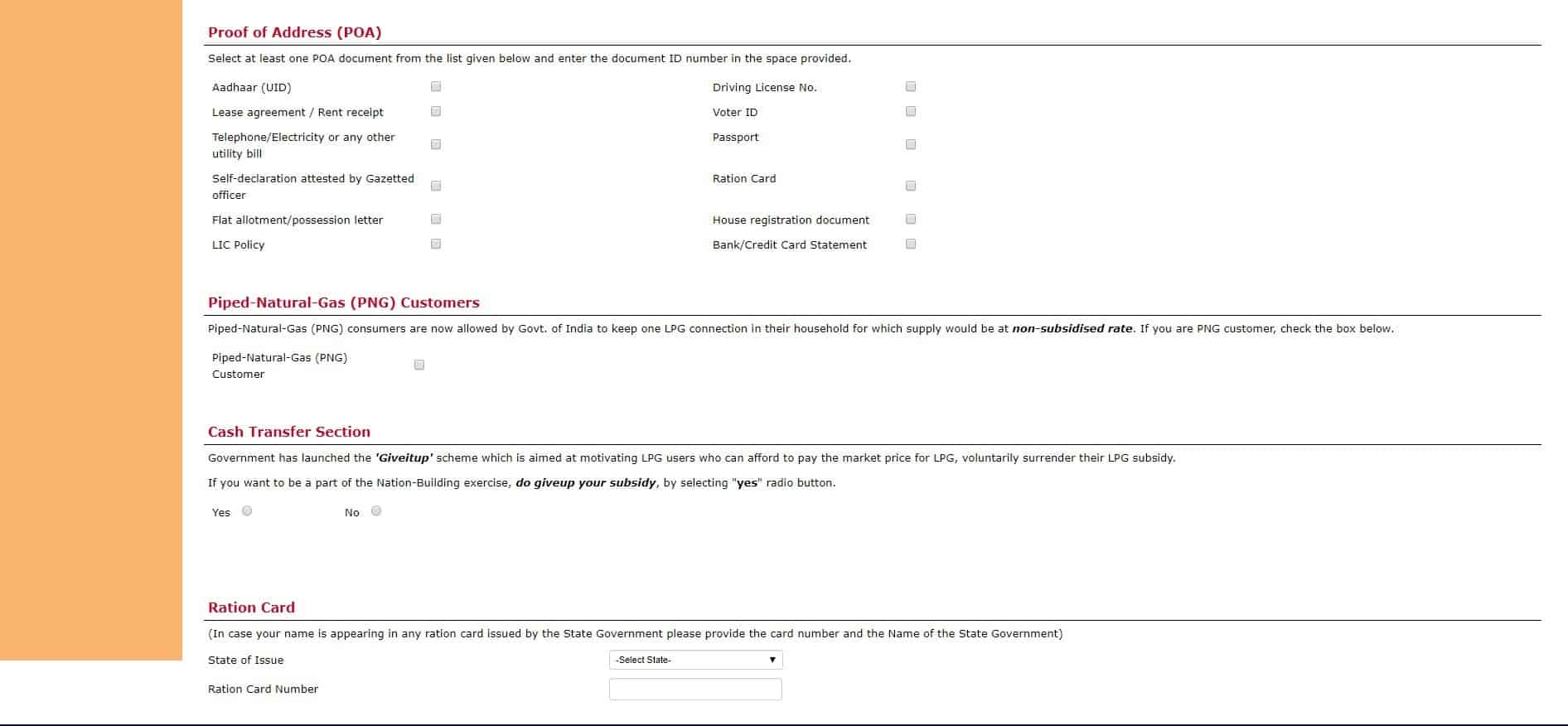
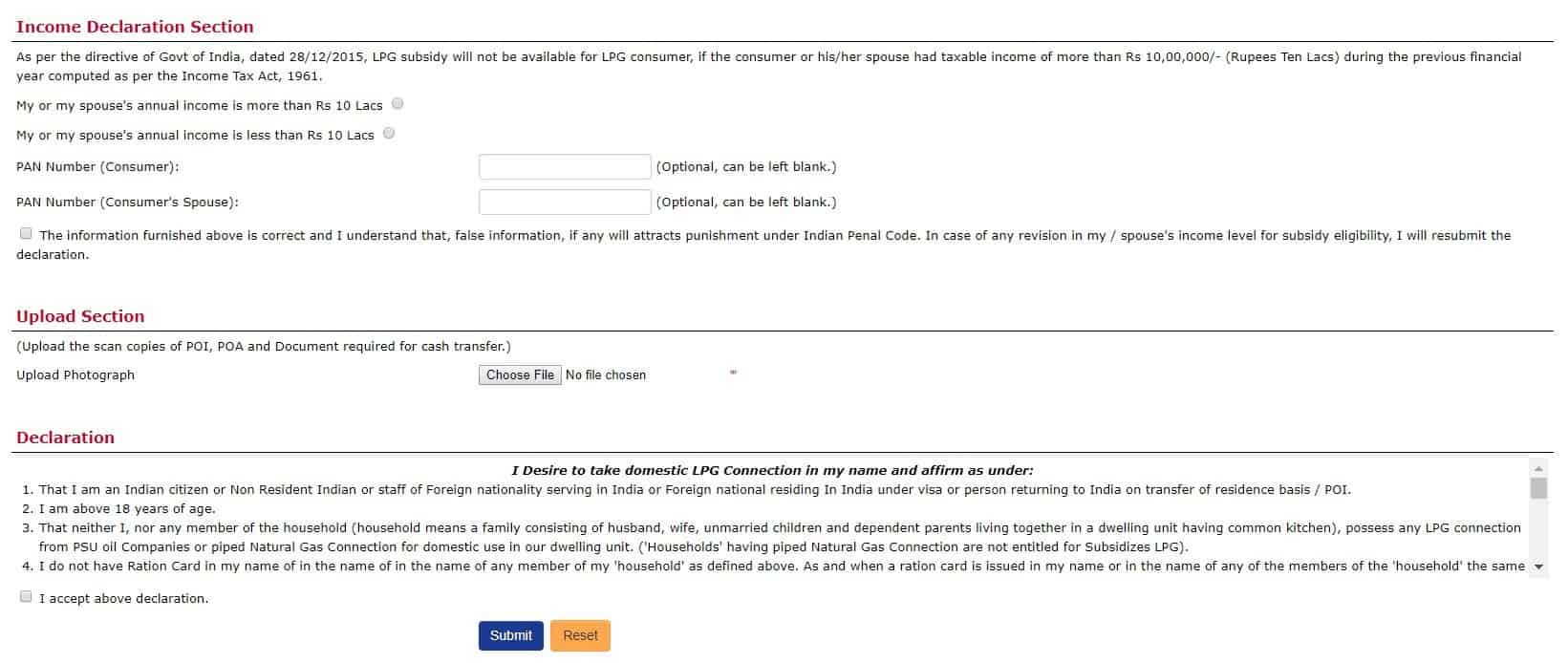 Also, get these proofs scanned, so that you can upload the same on this page itself.
Step 5
Once you successfully submit the required documents, you will get an email with a number for the connection request.
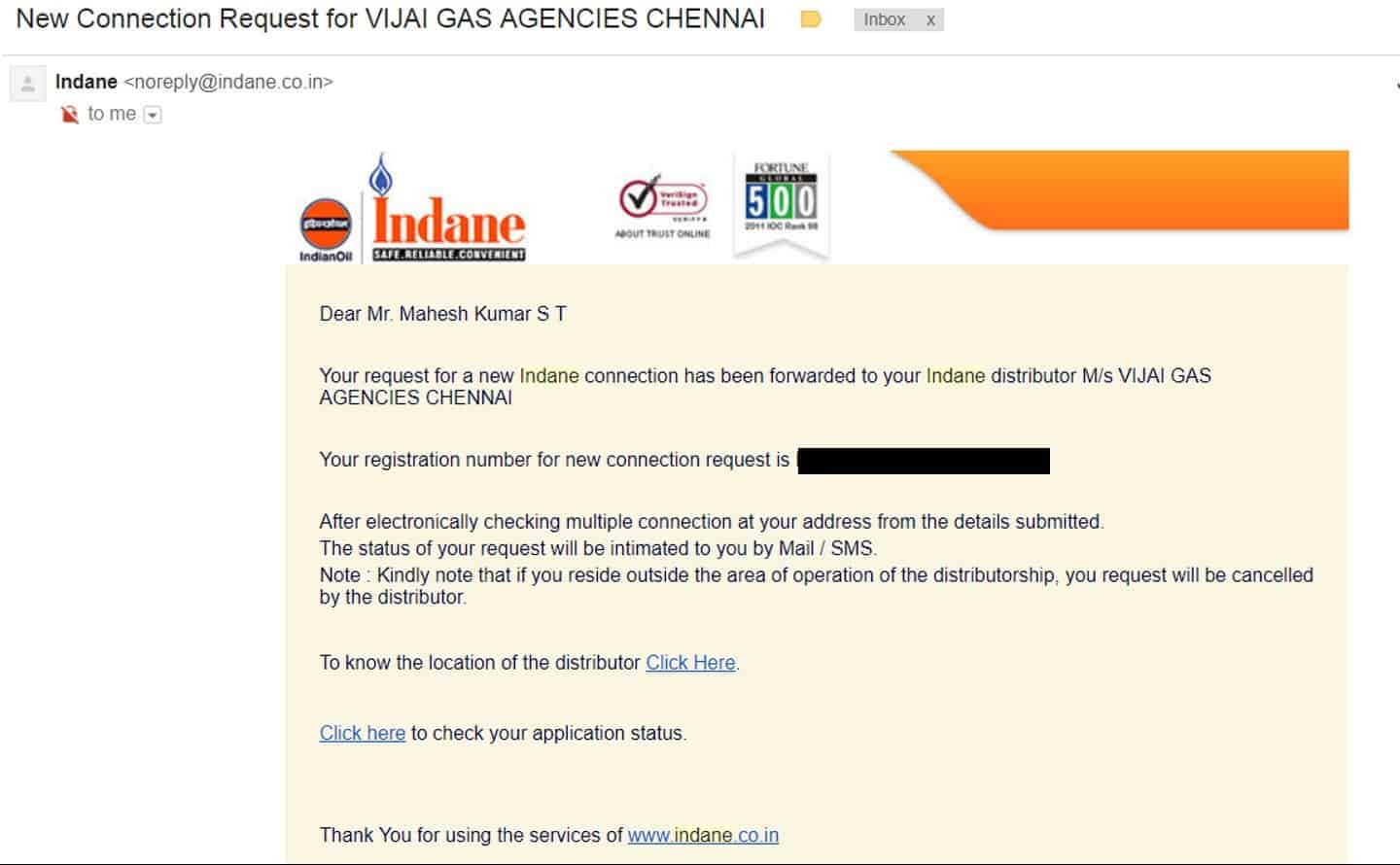
Step 6
After around 3 days, once your documents are validated you will get an update mail as below:

Click the link: https://indane.co.in/check_connection_status.php and enter the details as asked for.
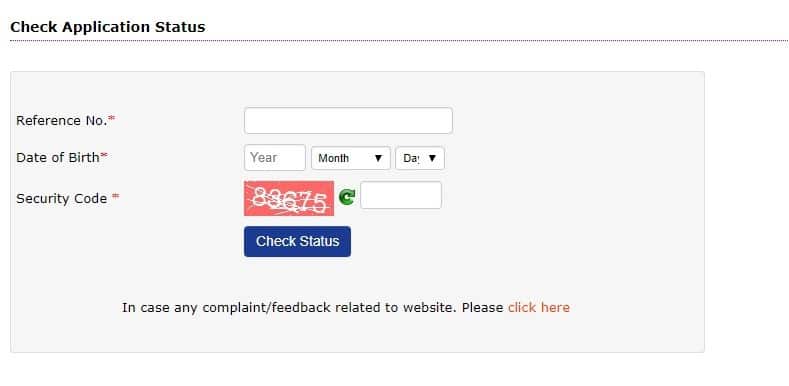
In the status link, you will have an option to pay the charges online.
Step 7
Once you have made the payment, you will get an email like below
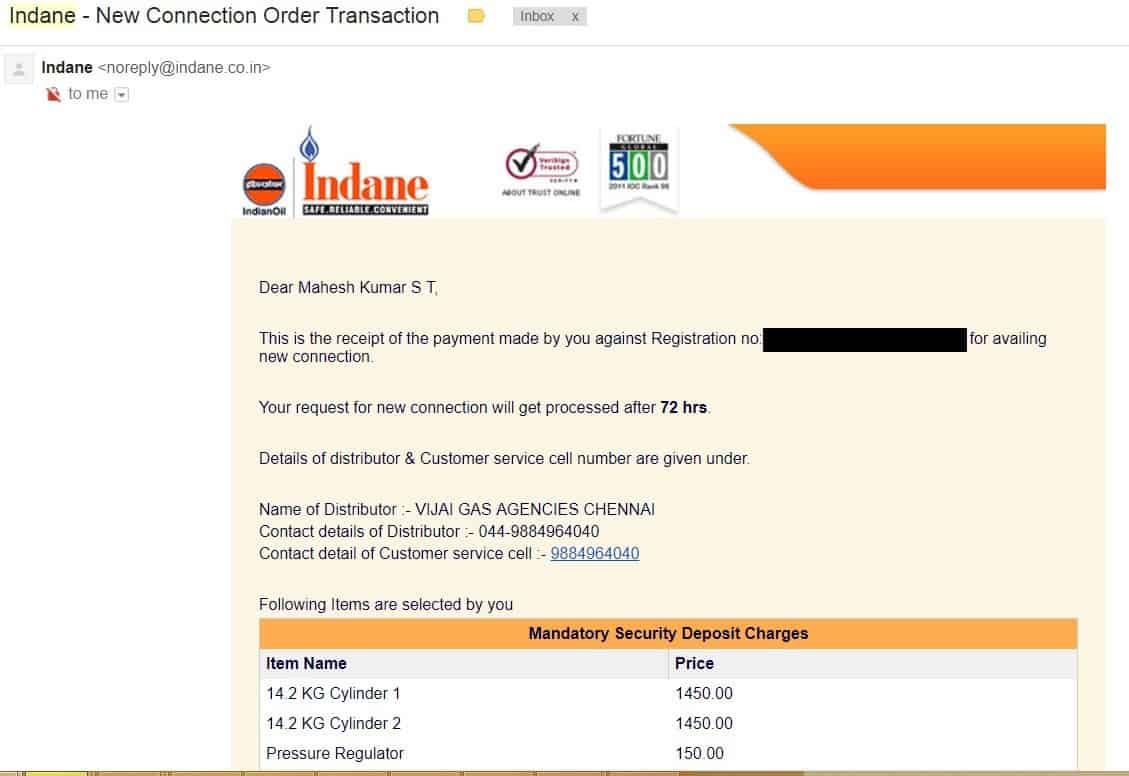
Step 8
After a day on average, your e-SV is emailed. Download this and take a print out.
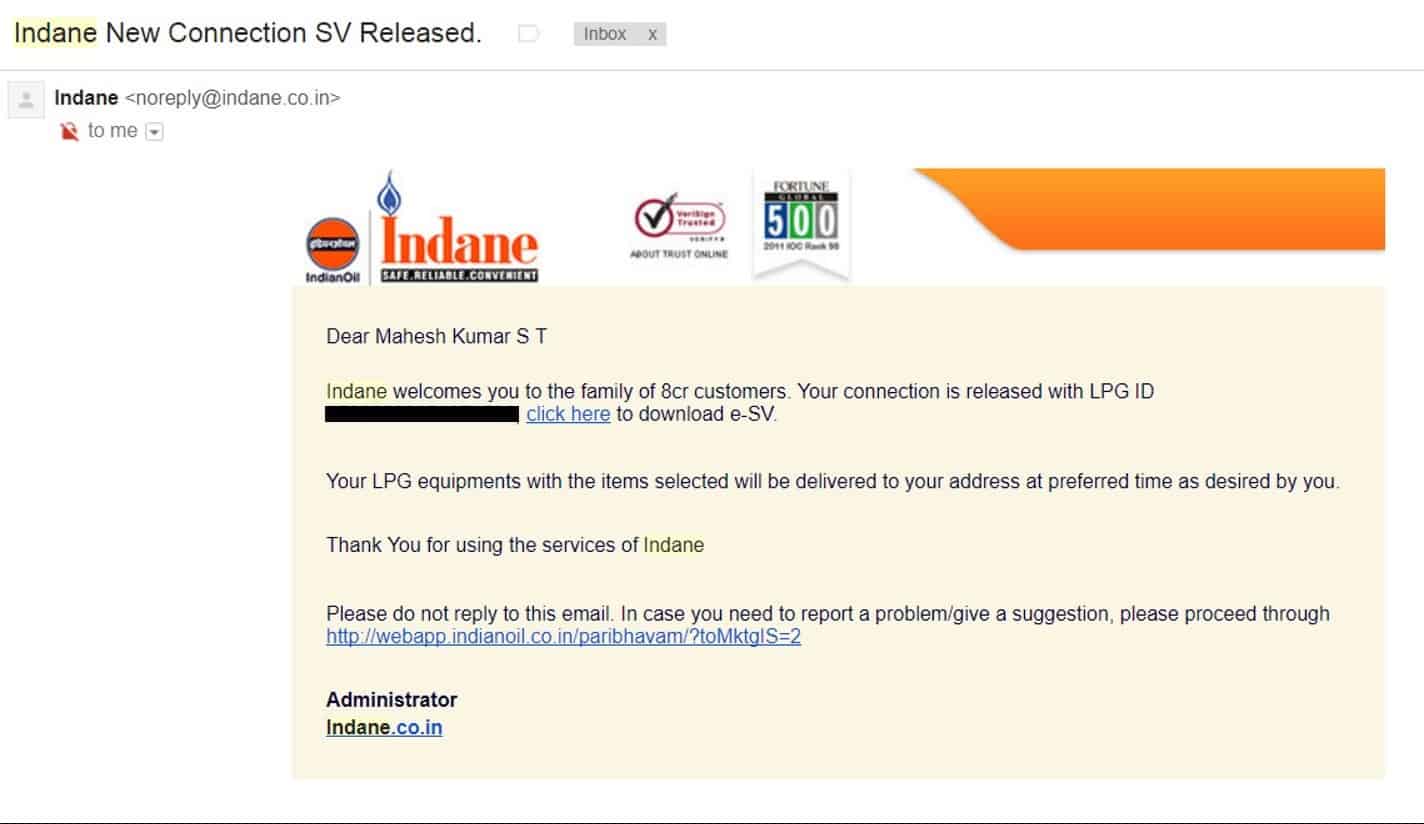
The cylinder will be auto booked to you for delivery after this step. You can visit the agency, as detailed in the following step, after you get the cylinders delivered.
Step 9
Go to the link https://indane.co.in/check_connection_status.php
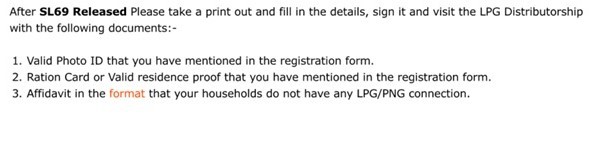
This will say that your connection has been released and will give you certain instructions, as above.
Visit the agency in person with the above documents, also take the e-SV printout and carry three passport-size photographs with you. (The agency will provide the final printed SV Document, keep it safe for the future – it will be required if you want to transfer your connection to a new address with a different agency.)
Alternatives
I also tried both HP Gas and Bharath Gas Connection before Indane, the former didn’t have a distributor nearby and the latter had website issues, where I never got the verification OTP via SMS.
Bharath Gas New Connection : https://ebharatgas.com/bharatgas/new_request.jsp?siteid=ebharat
HP Gas: https://myhpgas.in/myHPGas/NewConsumerRegistration.aspx
Postscript
Ideally a check should have been made at my home, inspecting my gas stove to see if it’s fine or verifying the gas stove bill to ensure that it’s new and conforms to the standards. However, that didn’t happen.
However, I got my connection in a week, discounting a 3-day delay on my part to make the payment.
only hp gas link others are not working